Products for security video and drone imagery.
PFLUX finds what is moving and what has come to rest. PFLUXCT puts it to work across camera networks, PFLUXTracker keeps a drone camera on a single target, and VB3D shows what changed on a site between drone surveys.
Product line
PFLUX
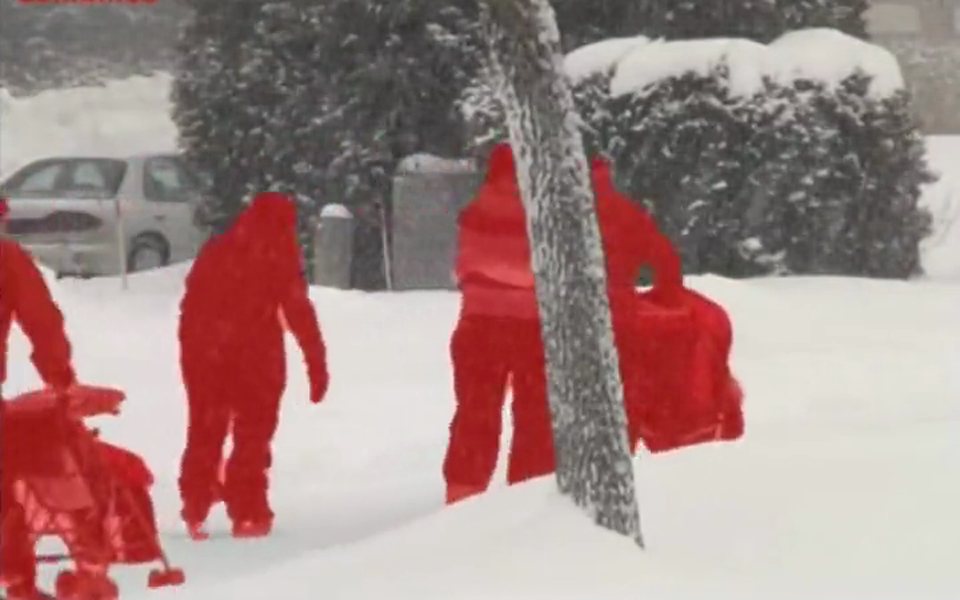
Persistent change detection. Tells objects in motion from objects that have come to rest, and screens out weather, glare, and background motion.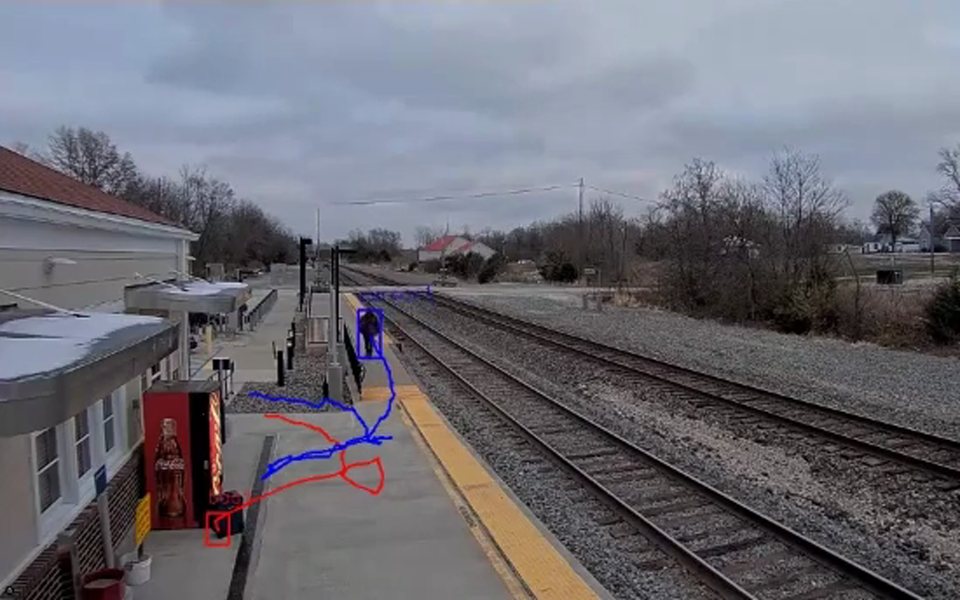
PFLUXCT
Runs PFLUX on recorded video and live camera streams, confirms each new persistent change with an object detector, and raises alerts.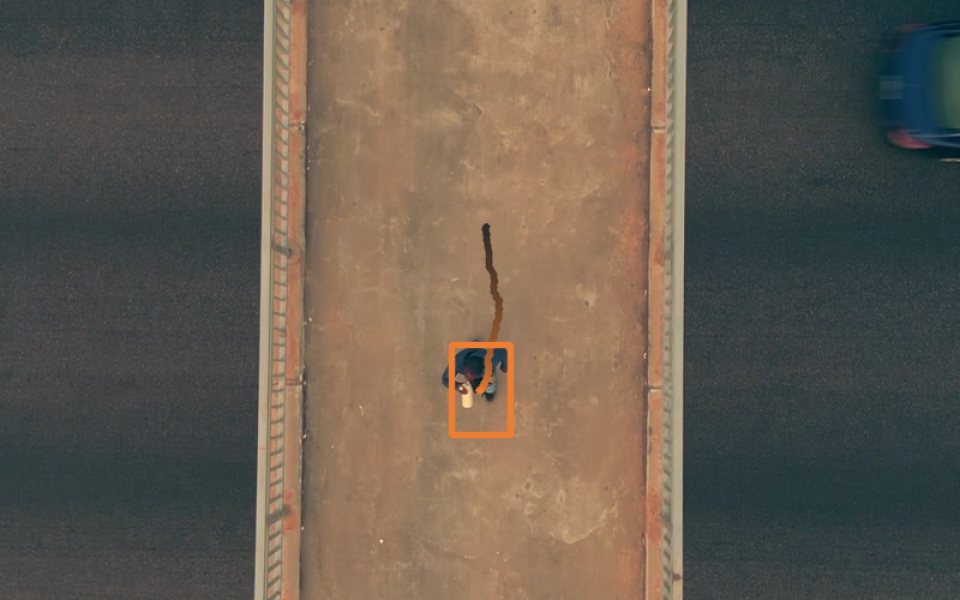
PFLUXTracker
Holds a single target in video from a hovering drone by fusing PFLUX motion with appearance tracking and object detection.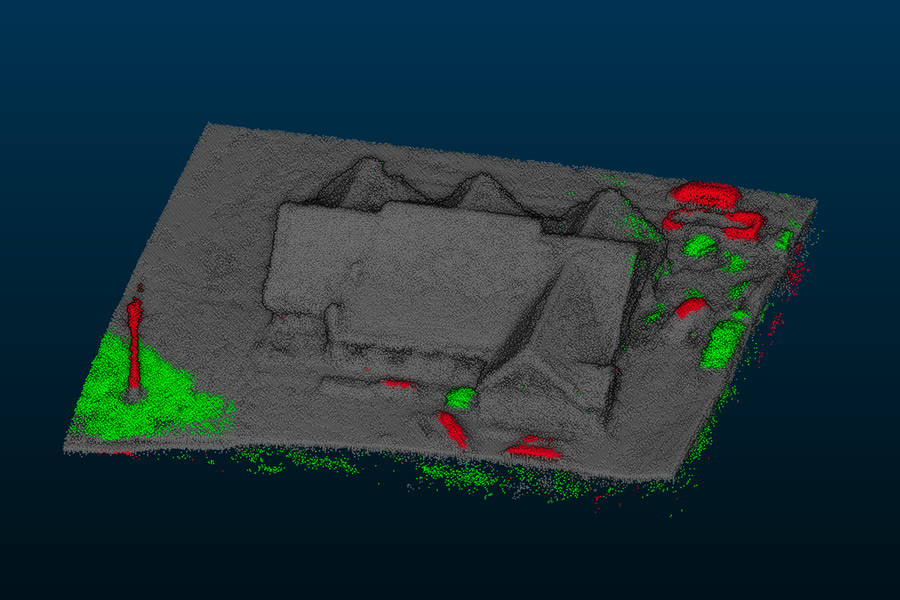
VB3D
Builds a 3D point cloud of a site from drone photos, then compares surveys to show what was added and what was removed.
PFLUX: persistent change detection.
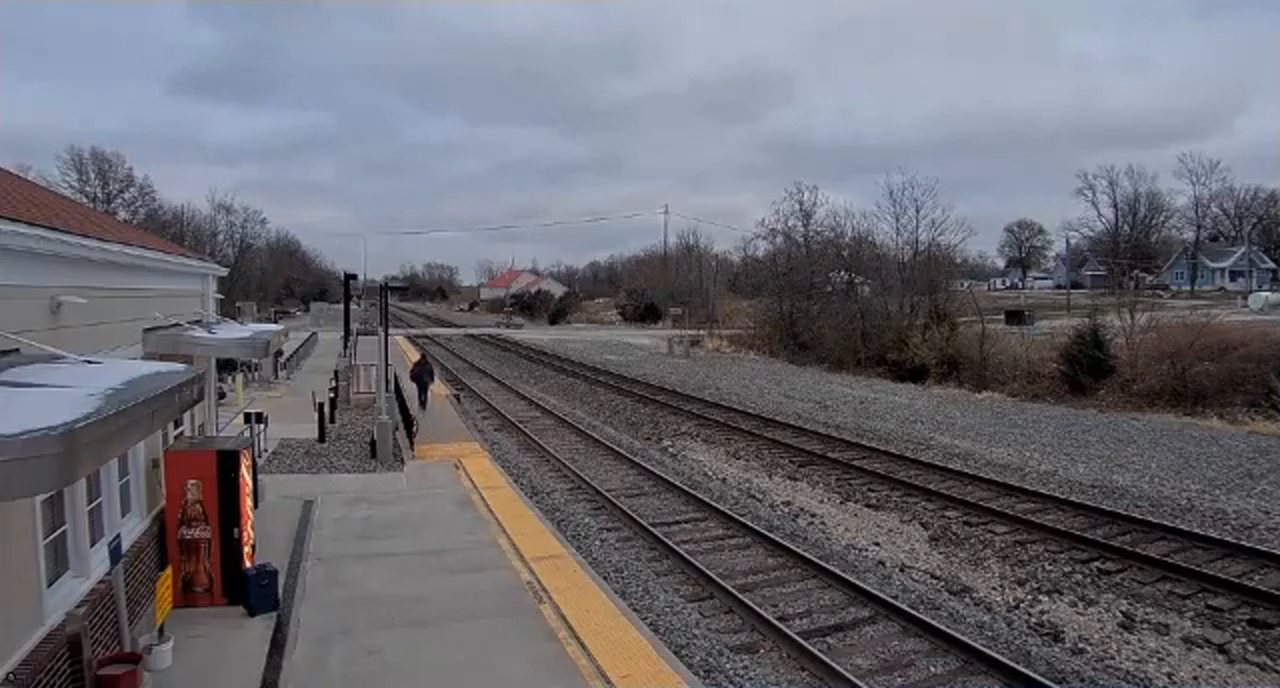
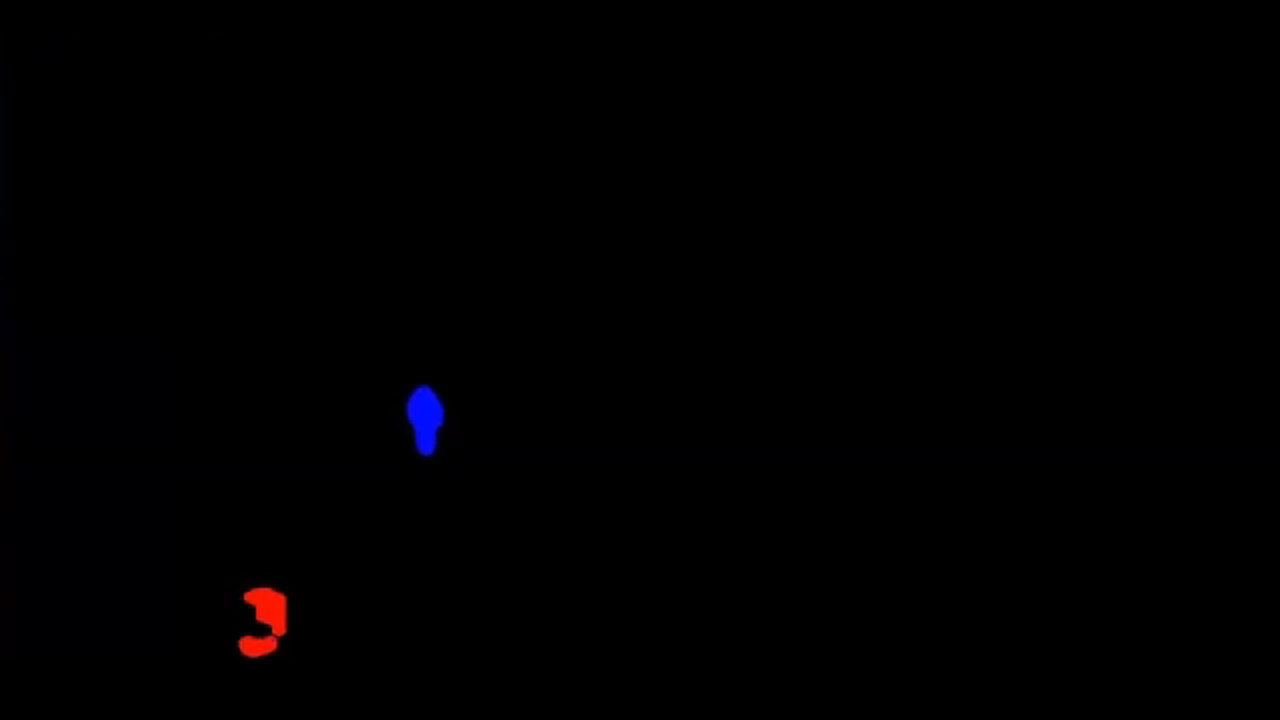
PFLUX, short for persistent flux, follows how motion changes over time across the whole frame. That lets it tell something moving from something that arrived and stayed, such as a bag set down on a platform, while snow, glare, reflections, and camera shake are screened out before anything reaches an operator or a downstream model.
- About 250 ms
- to detect a persistent change.
- No training
- needed for persistent change detection.
- Any video
- Any resolution. RGB, IR, and other video types.
- Edge or server
- Runs on NVIDIA GPUs.
Input
PFLUX output
PFLUX first, then a detector
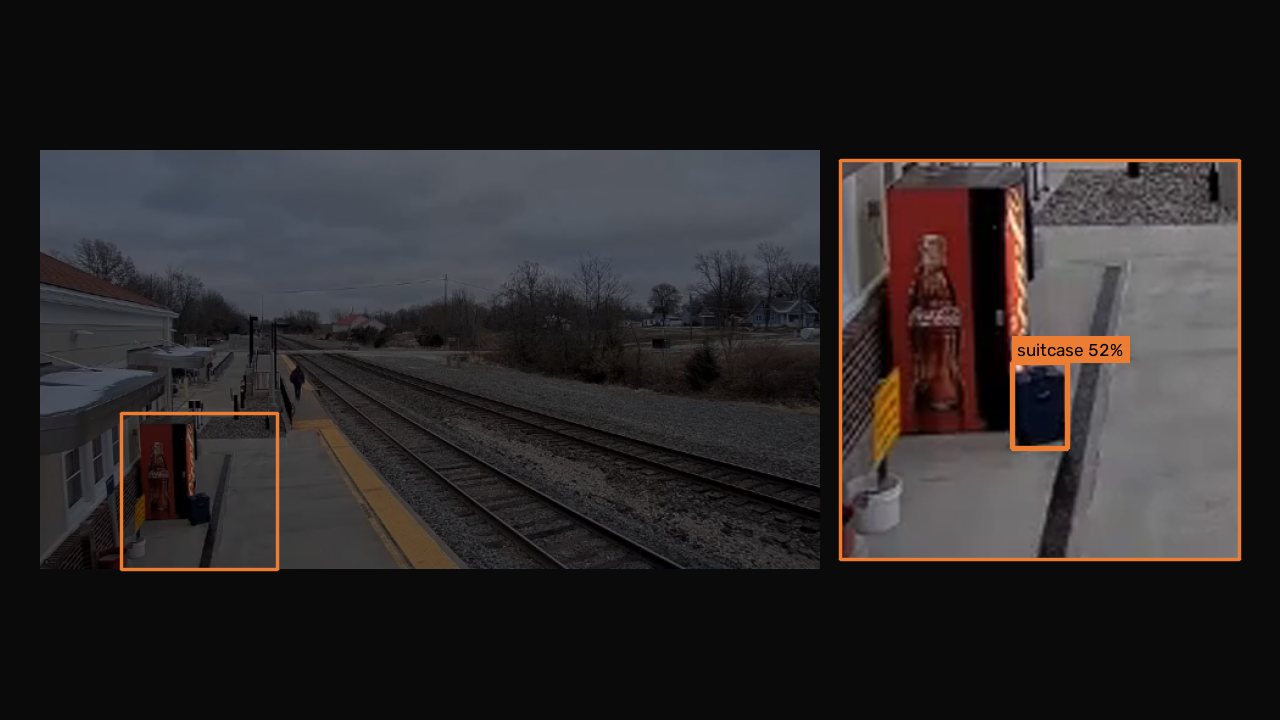
PFLUX marks where the frame changed, and only those regions are cropped, enlarged, and passed to an object detector. The detector does no work on a static scene, and small, distant objects reach it at a size it can recognize. Across this clip, the detector on the whole frame finds the traveler in 70% of frames and the suitcase in 3%; on the PFLUX regions, in 83% and 52%.
Detector on the whole frame
Waiting for the detector.
Detector on PFLUX regions
No change reported
Running the detector downloads about 16 MB.
PFLUXCT: PFLUX for camera networks.
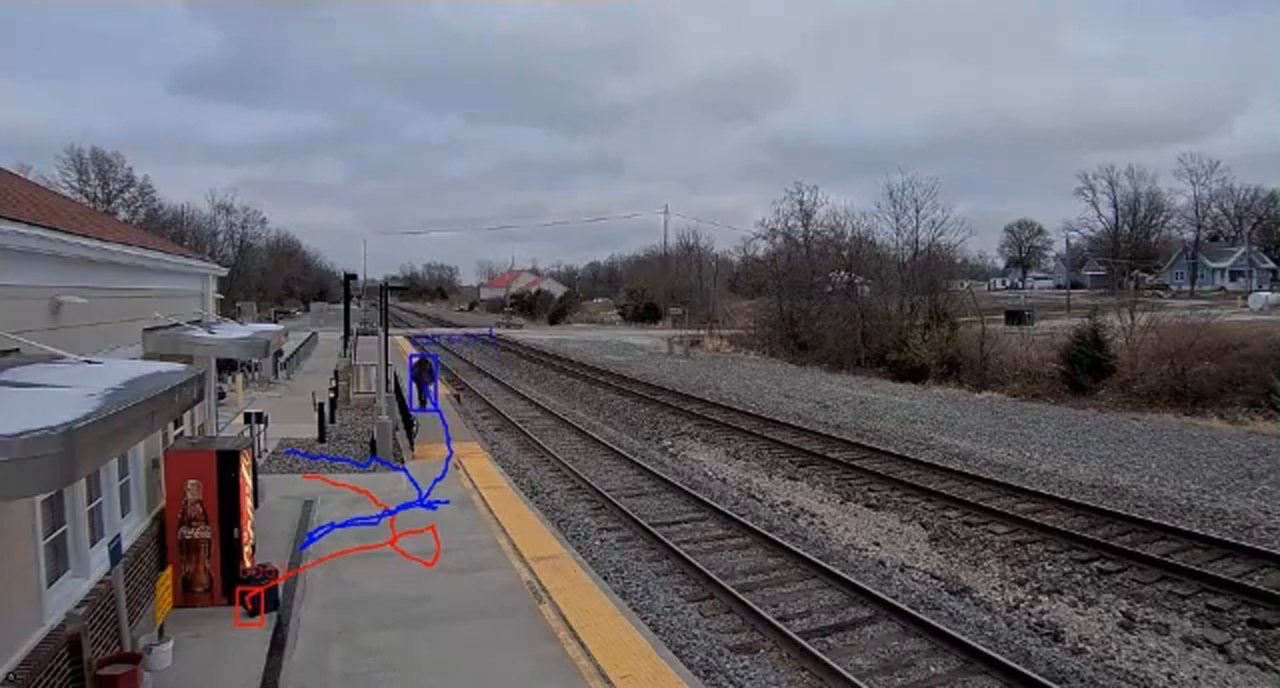
PFLUXCT runs PFLUX on every camera, from recorded video or live RTSP streams, and turns each new persistent change into an alert once a detector has named it. It tracks objects from frame to frame, maps where activity builds up as a heatmap, and is run and reviewed from a web browser.
PFLUXTracker: one target, held from a hovering drone.
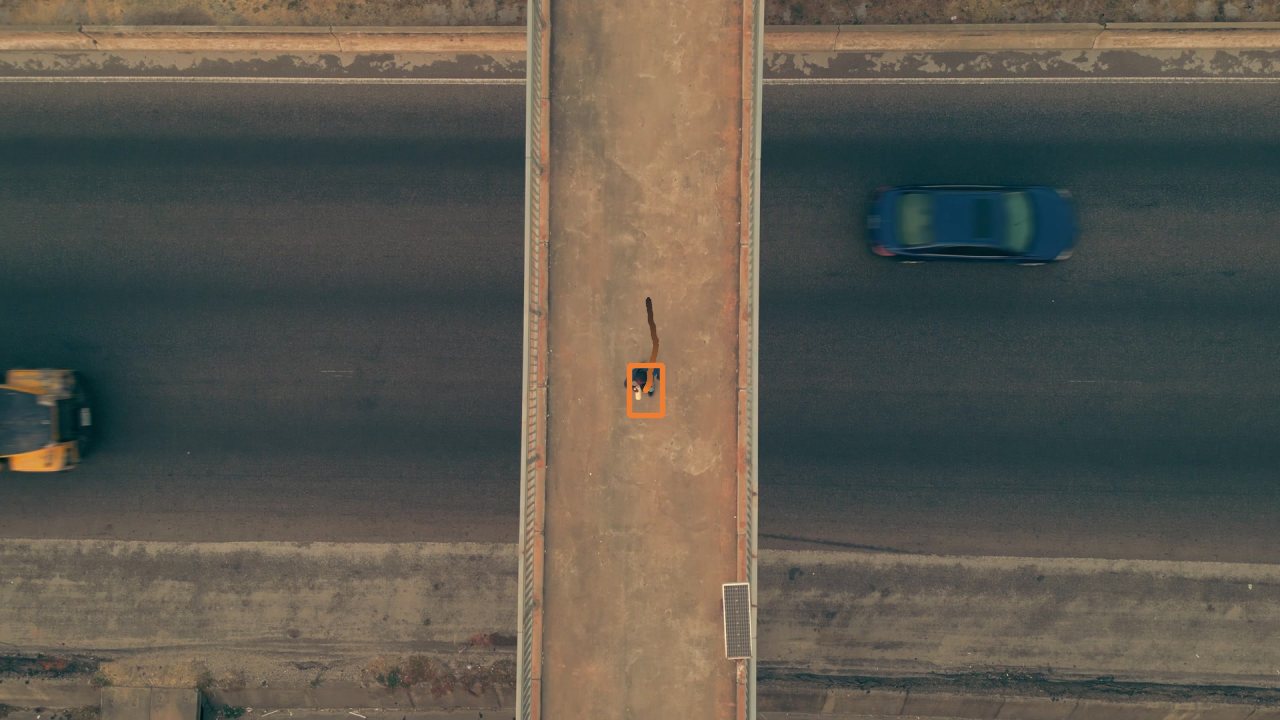
PFLUXTracker follows one object in video from a drone holding position. It combines three cues that cover for each other: motion from PFLUX keeps the box tight on a small, distant target, while a correlation-filter tracker and a neural-network detector hold on when the target moves fast or changes shape.
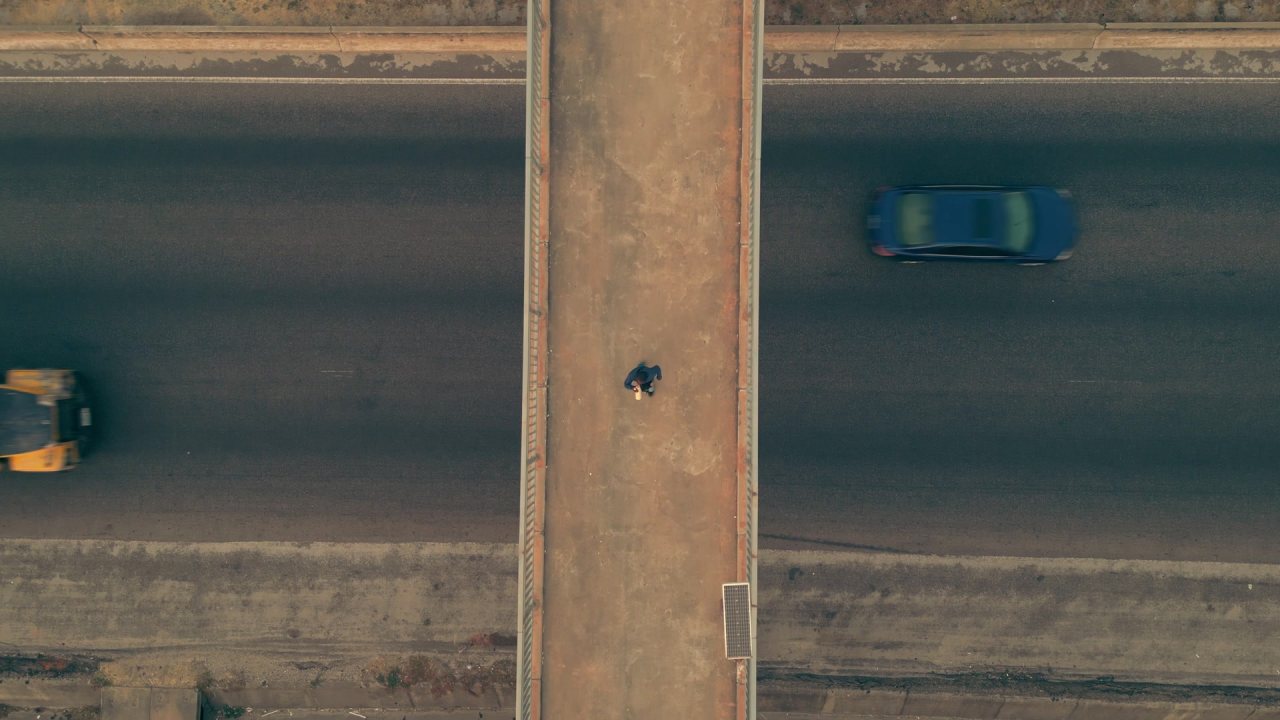
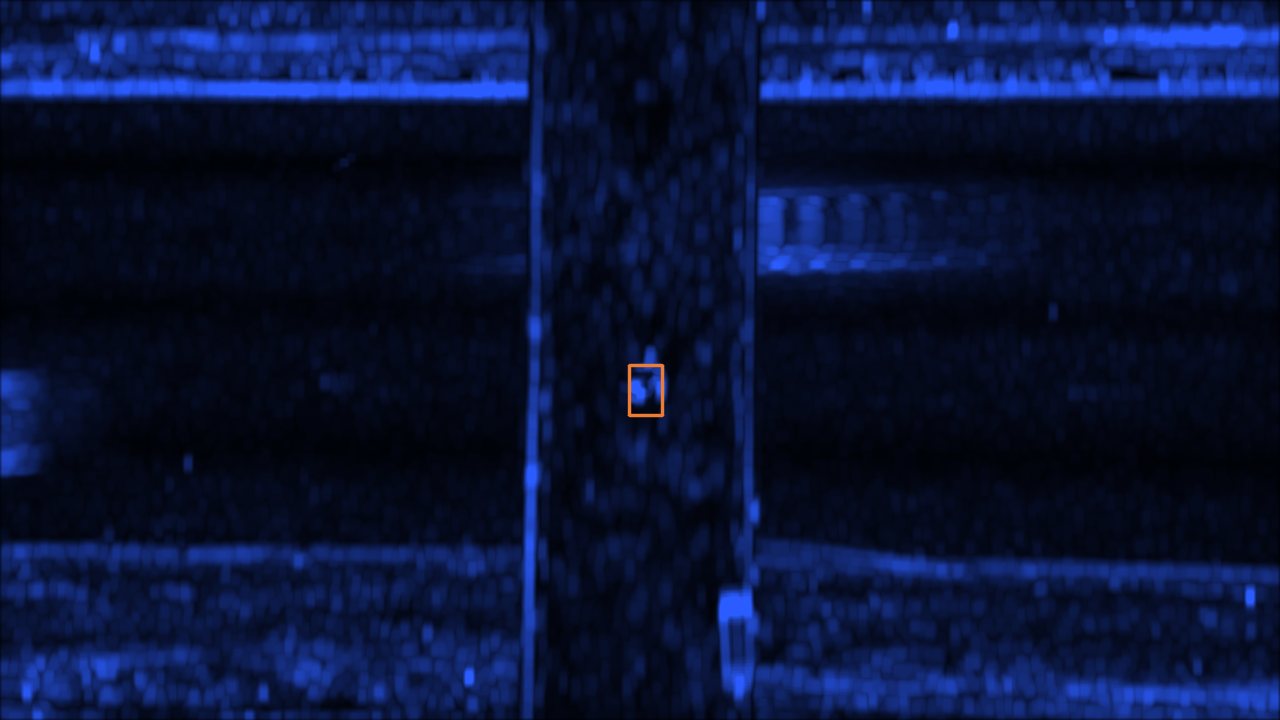
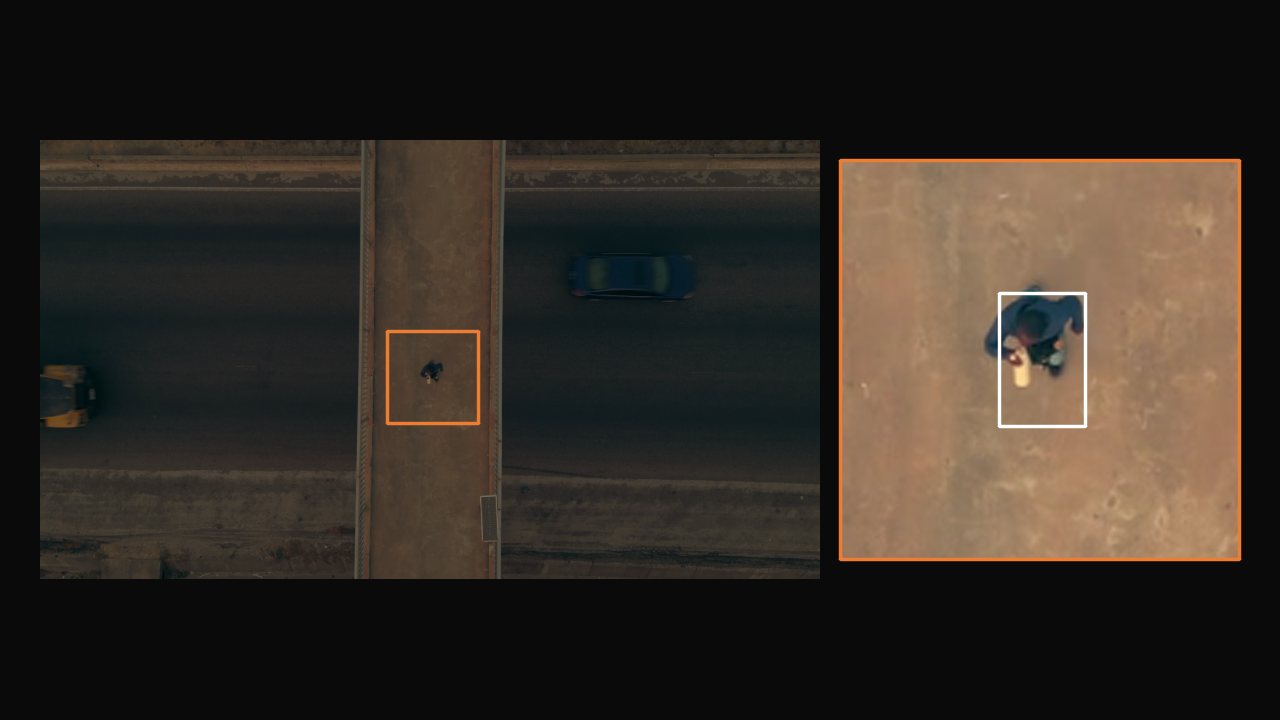
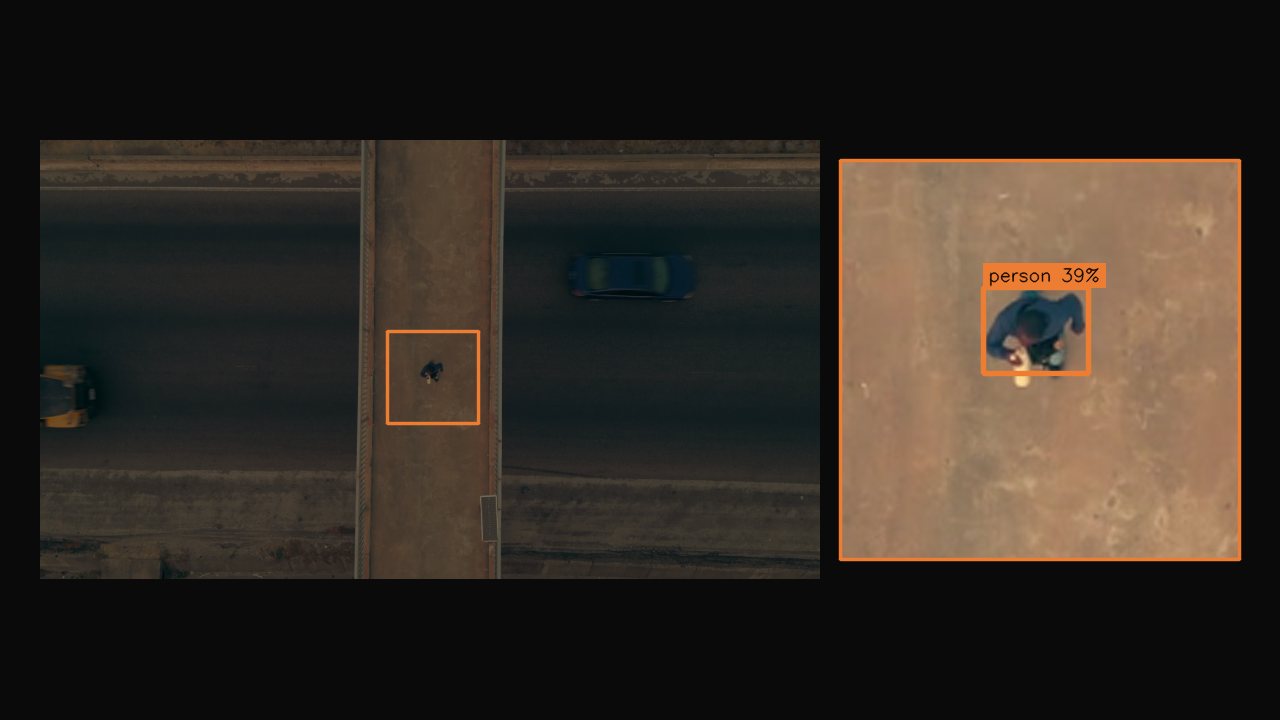
PFLUXTracker on drone footage
Both clips are PFLUXTracker’s own output from its CPU build, run on stock drone footage from Pexels. It calls on detection when its appearance tracker loses confidence, and on flux as well if the camera is steady. Here the appearance tracker never lost confidence, so it carried both tracks alone; on the footbridge the drone drifts slightly, which is why the flux view lights up every edge.
Input
Tracking
VB3D: what changed on a site between two flights.
VB3D turns ordinary drone photos into a dense, coloured 3D point cloud of a site: bundle adjustment works out where each photo was taken, and multi-view stereo fills in the surface. Two surveys of the same site are then compared point by point, with additions in green, removals in red, and everything unchanged in grey.
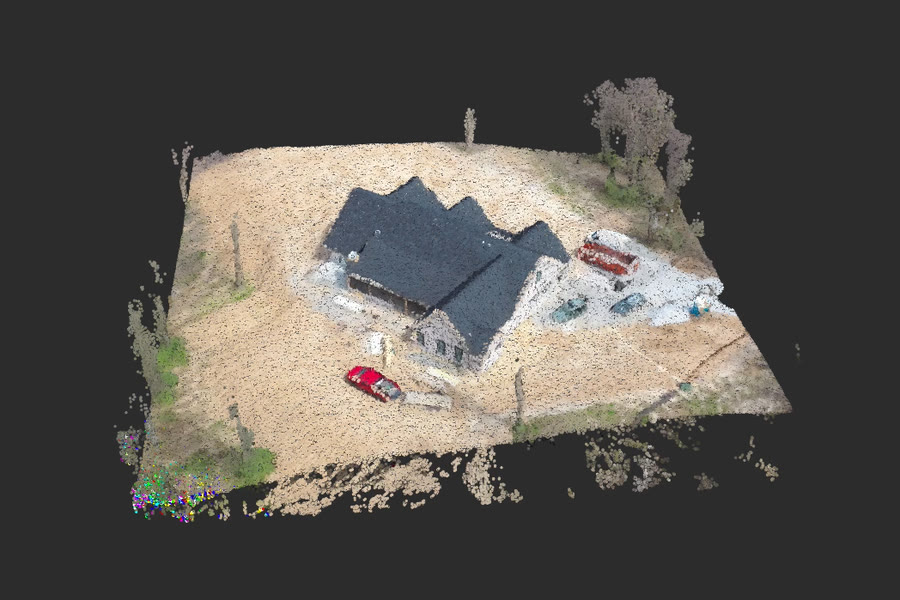 During construction
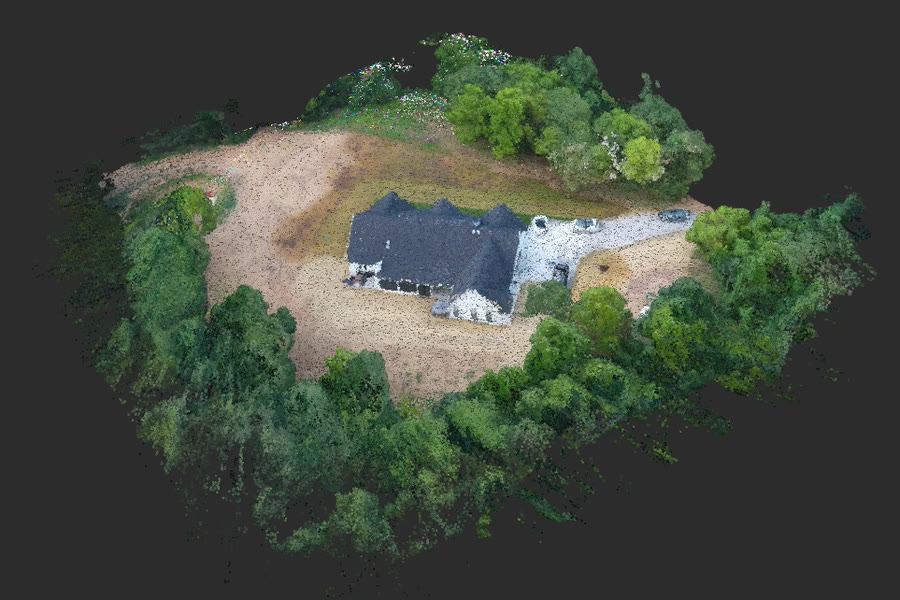 Finished
- Change between surveys
- Input
- Drone photos with their camera and GPS metadata.
- Processing
- Bundle adjustment (BA4S) and dense multi-view stereo (VB3D), on NVIDIA GPUs.
- Detail
- Point spacing set per job: 5, 10, or 20 cm on this site, from 52 to 205 photos.
- Output
- Coloured 3D point clouds, and a change map between two surveys.
See what PFLUX finds in your video.
Tell us about your cameras and the events you need to catch. Someone will respond within 24 hours.
Contact FluxTensor